



 14 / 72

For More Information Visit
www.btechavmounts.comB-TECH
PROFESSIONAL
14
Digital Signage
Mounting
FreestandingVideoWall Mount
For
landscape
configurations:
Max:
3 horizontal rows
Unlimitedverticalcolumns
Floor
height*
∞
∞
For
portrait
configurations:
Max: 7 horizontal rows
∞
∞
Install unlimited vertical columns and
horizontal rows up to 7 monitors (dependant on screen size)
*You may also select from various floor heights for your Video Wall Mount
Unlimited vertical columns
Maximum Configurations
1.
Select your monitor size: 46”, 55”, 60”
2.
Decide on landscape or portrait monitor mounting.
3.
Decide on amount of vertical columns
and horizontal rows.
4.
Visit our online configurator for your mounting solution:
www.btechavmounts.com/bt8350-configuratorIf you have a requirement which is not covered by the
options above or by the configurator please speak to your
B-Tech Sales Manger as the BT8350 is a custom mounting
solution which can be tailored to your requirement.
How to Choose Your Free Standing VideoWall Mount
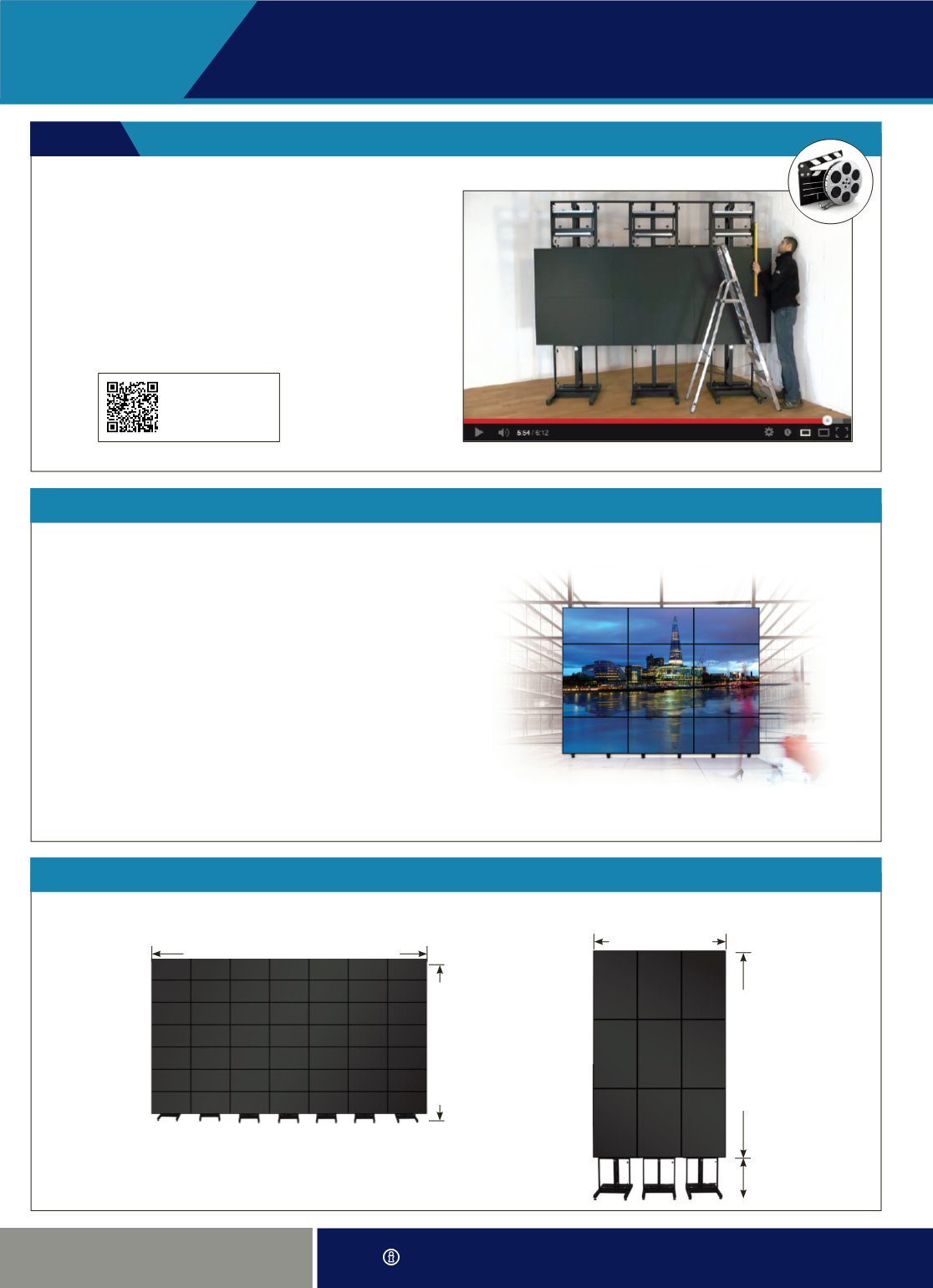
Installation Video Guide
With an estimated build time of just 20 minutes to
complete a 3 x 3 video wall, putting together your
frame couldn’t be easier.
To show how easy it is to set up the BT8350 we have
created a short 6 minute video demonstrating the ease of
installing the most popular video wall configuration - 3 x 3.
Visit
www.btechavmounts.com/BT8350to watch the
demonstration video under the ‘Video’ tab at the bottom
of the page.
Scan here to view the installation videoBT8350
